



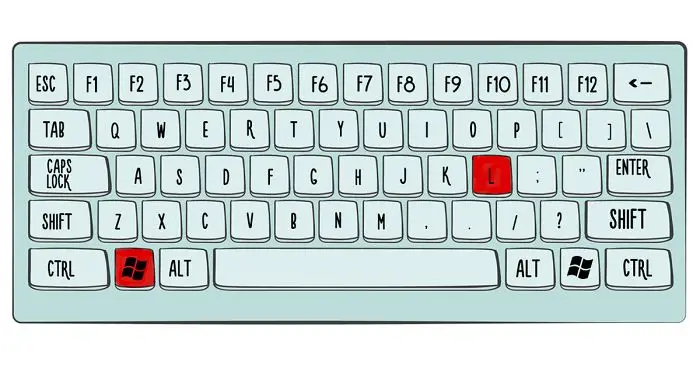

Have you ever noticed how much time it takes to switch tabs, take a screenshot, rename files and close all open applications? All of these tasks could easily be considered labor since it takes so much effort to perform them.
But what if all of it can be done in a second? What if all you need is some simple shortcuts to make your day a thousand times easier?
Here, in this list compiled by Bored Panda, you’ll find at least a couple of shortcuts that you’ll be able to use on a daily basis!
#21
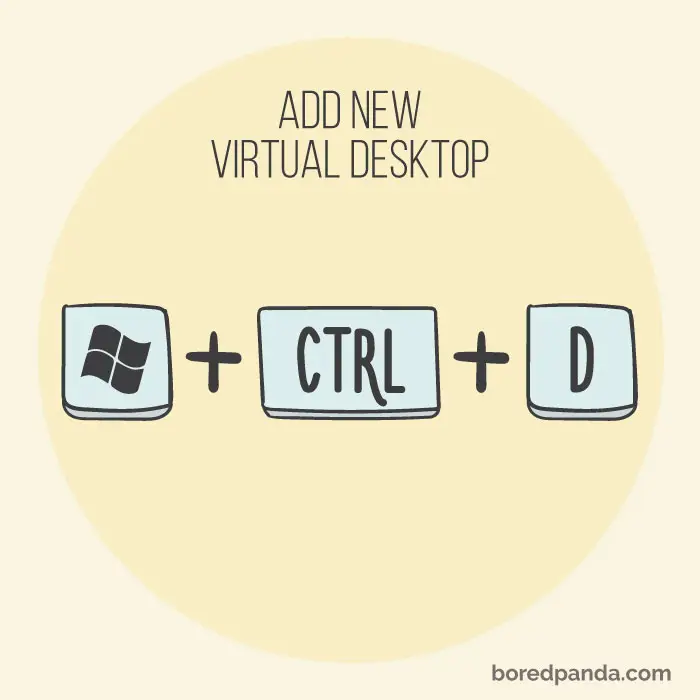
Having a couple of virtual desktops open allows you to have all types of programs opened without having your screen all cluttered. If you wish to move between your screen simply click windows + ctrl + left/right arrows.
#22

Not many know about this shortcut that lets you to quickly zoom the entire screen to 200% in one click.
#23
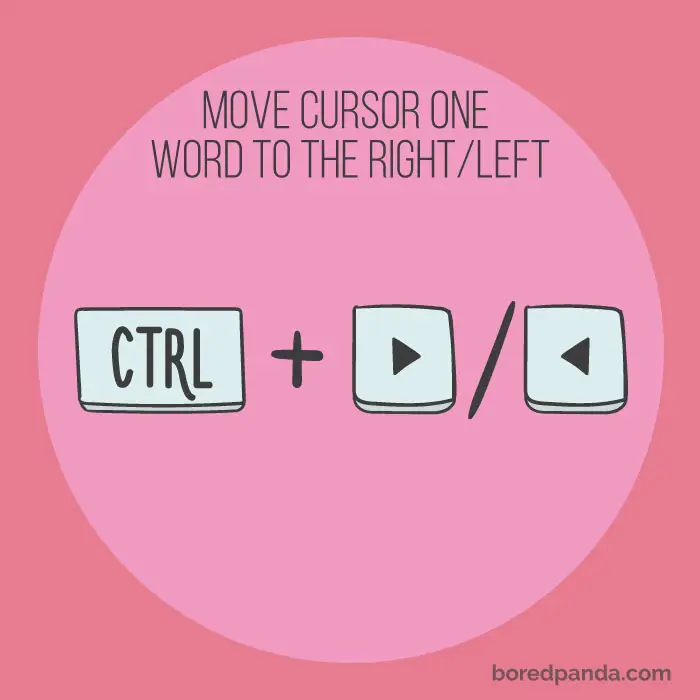
Wish you could quickly change, edit or delete the last word you’ve written? The Ctrl+Right/Left Arrow will do the trick! Ctrl+Right Arrow/Left Arrow
#24
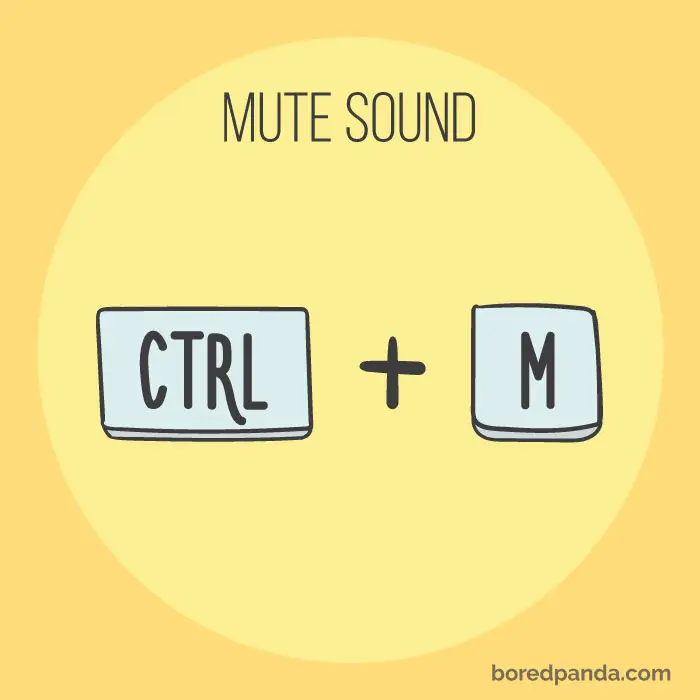
You’re watching something and the noises just sound a bit inappropriate? Just mute that part by clicking ctrl+m.
#25
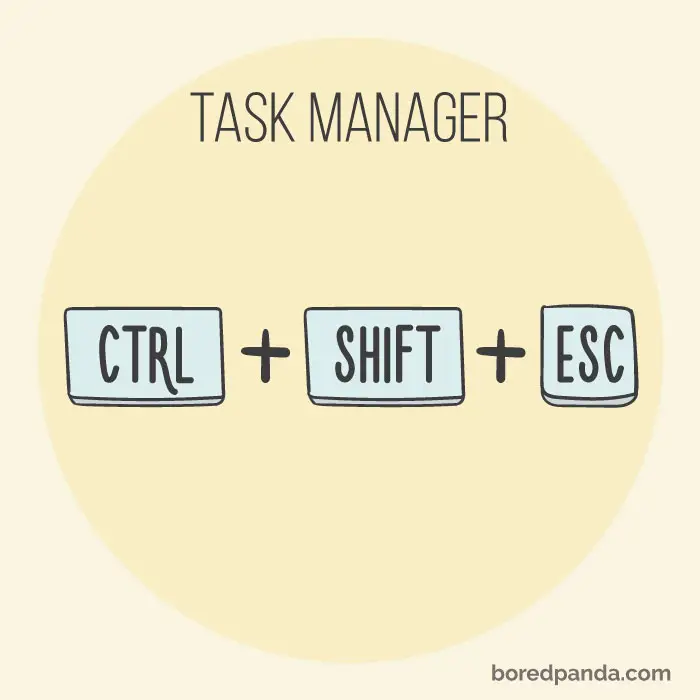
Open task manager easily by clicking this combination, now you can easily access any running program on your computer.
#26
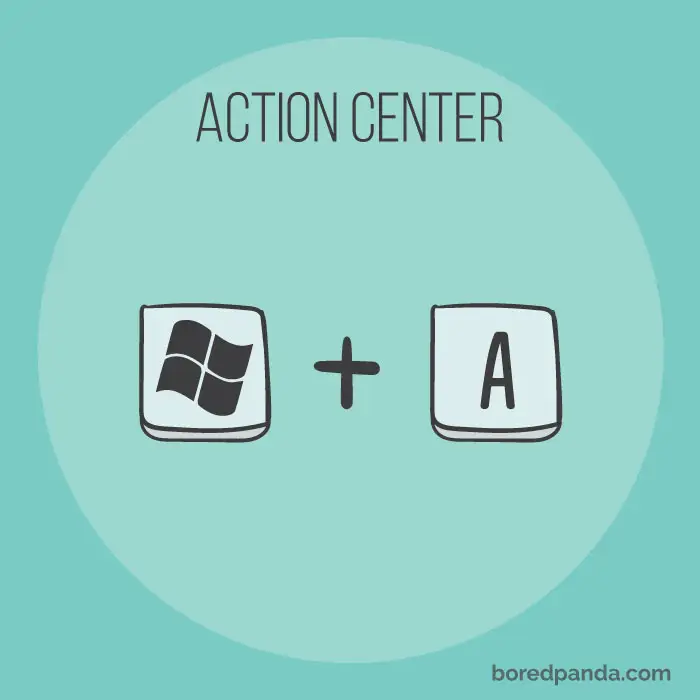
Who knew you can quickly enter windows action center? This shortcut allows you to access your notifications and various settings in a second.
#27
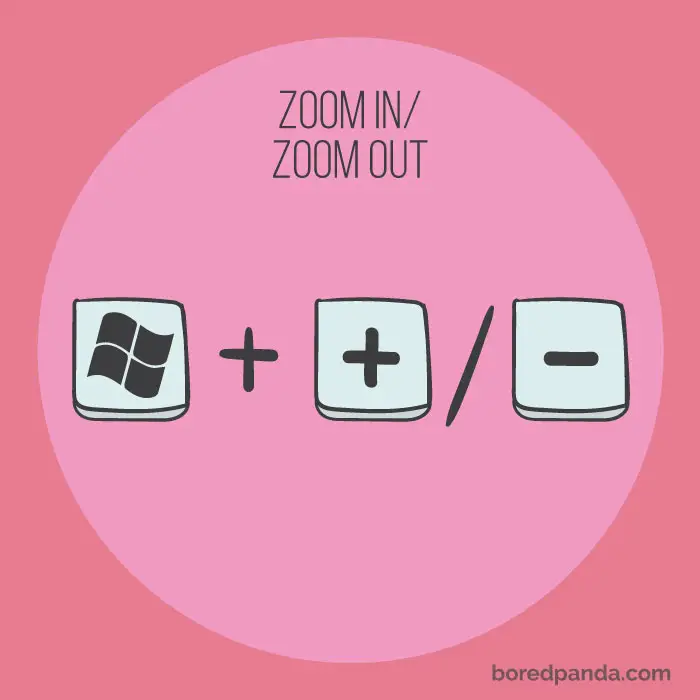
Windows+ +/- Somebody tagged you in a picture? Want to check your hair and makeup up close to see if everything is on point? Using this shortcut will save you some time! Mac: Command +/-