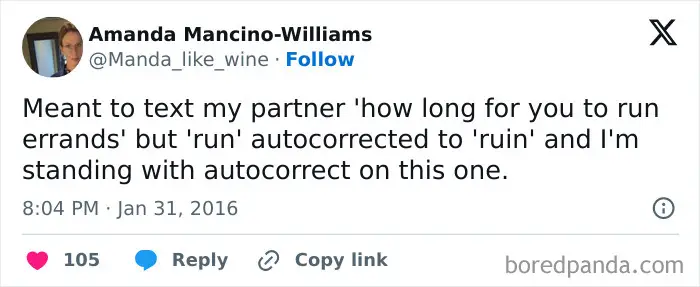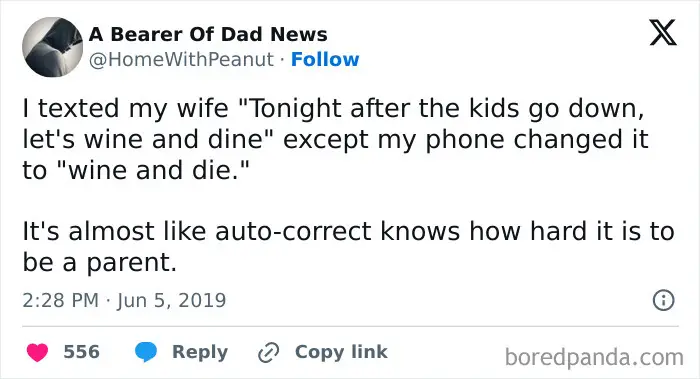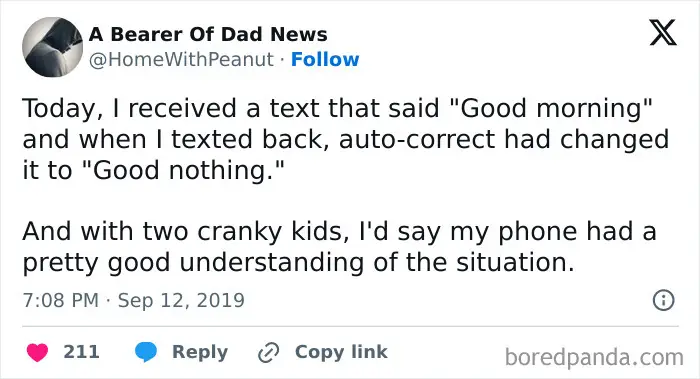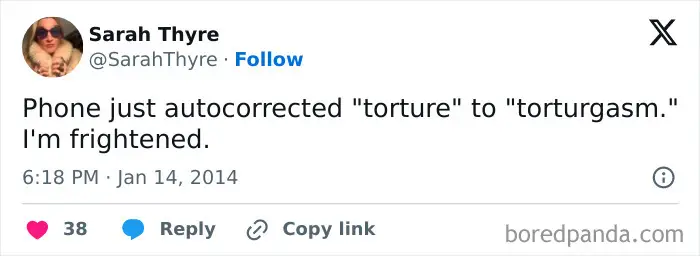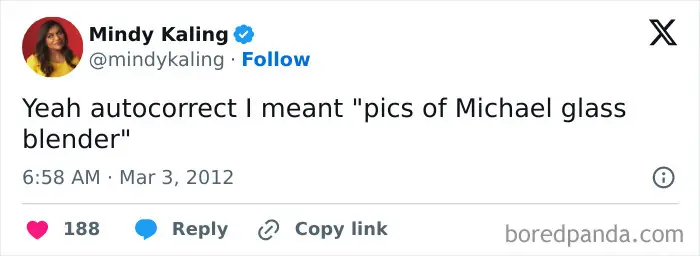


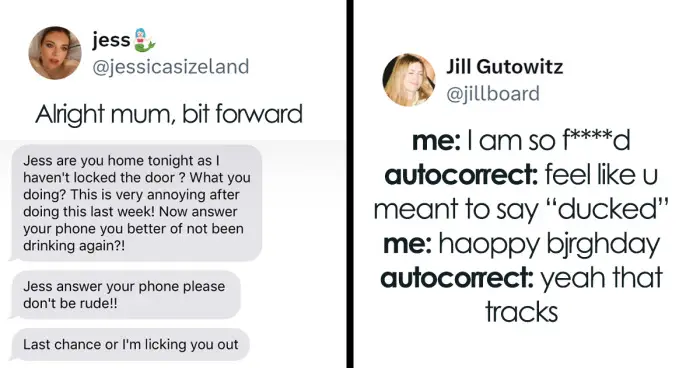



You can also try slide texting instead of typing with your fingers if autocorrect keeps doing you dirty. “In my experience, it has a higher accuracy rate than when I absolutely butcher things with tap-tap-tapping,” Heather Kelly writes for the Washington Post. Another alternative is dictating your messages. Now, this might have its own host of issues, but it won’t lead to spelling words that are similar to what you’ve typed, but rather similar to how what you’ve said sounds. This can be a great option if you’re in a quiet place. Similarly, sending voice messages can ensure that autocorrect doesn’t have a chance to intervene.


Finally, you can adjust the dictionary on your phone and add “text-replacements.” For example, you can program your phone to change “TY” to thank you to save you time when typing. But you can also change words like “ducking” to… Well, you know. And “HAHAHA” to “hahaha,” etc. This feature doesn’t have to just be for shortcuts. It can be used to ensure your phone doesn’t change your name to some bizarre word or curse words to random words that are vaguely similar.
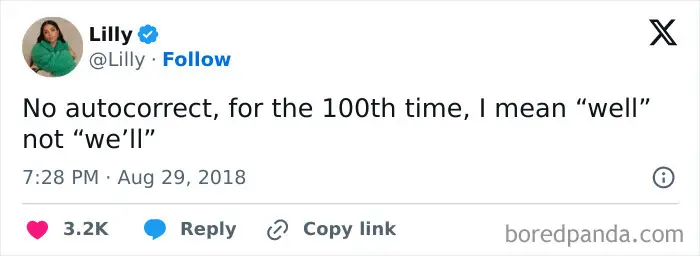
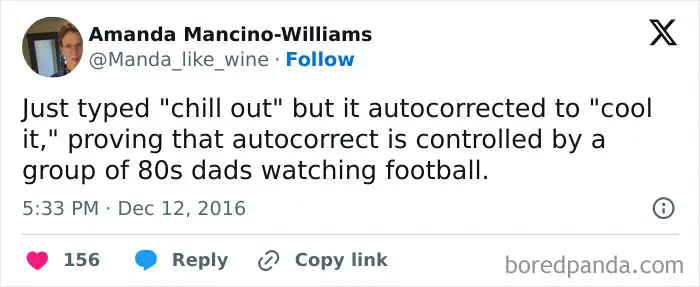
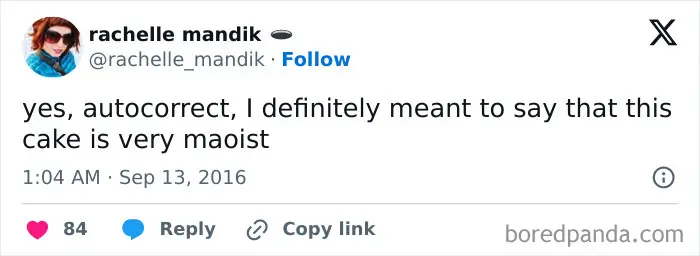
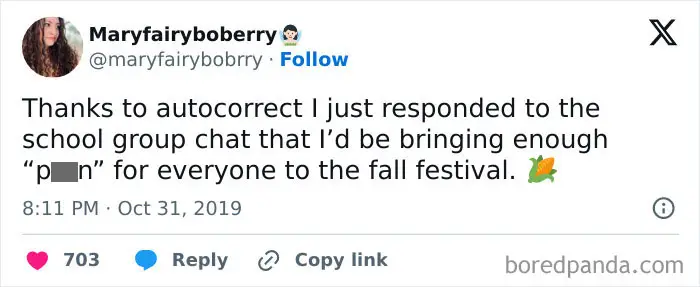
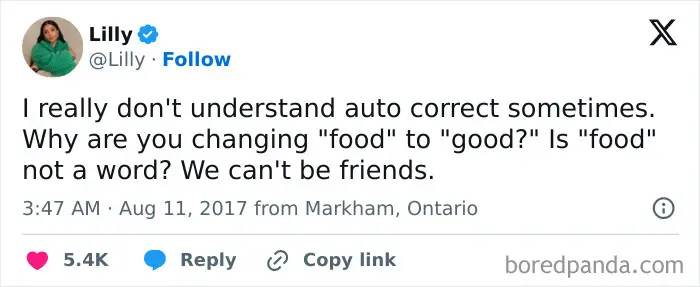
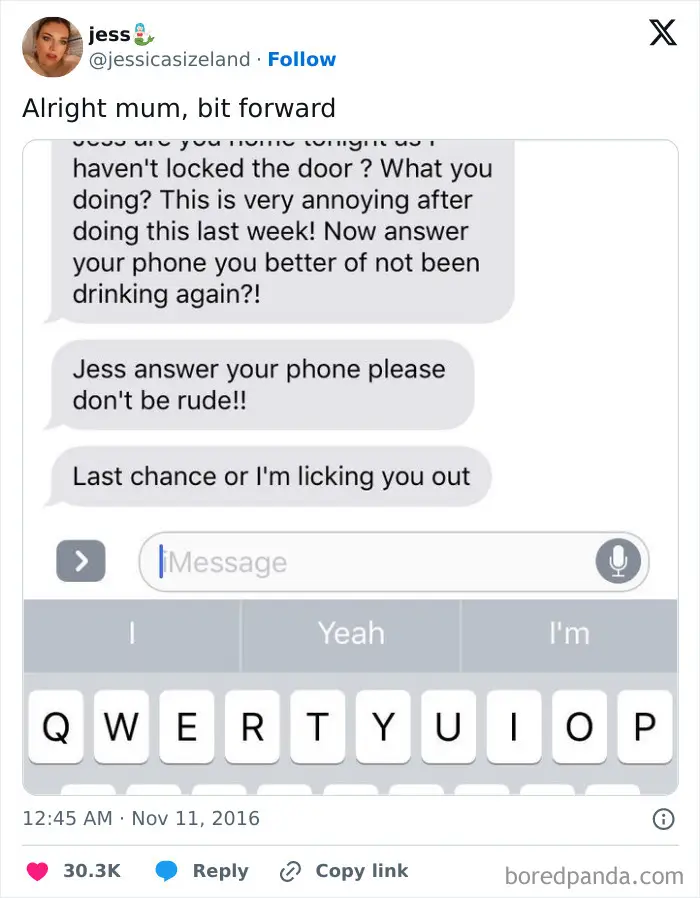
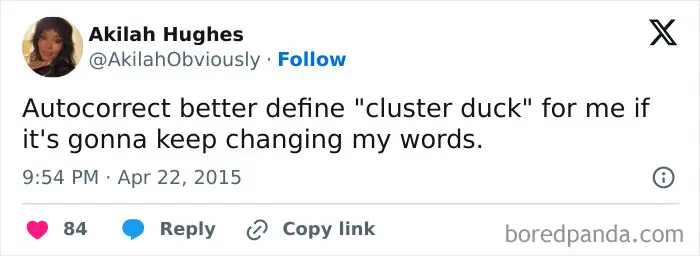
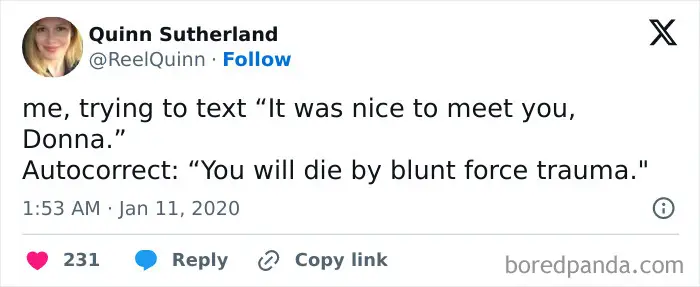
We hope you’re getting a kick out of all of these unfortunate autocorrect mishaps, pandas. Whether you have autocorrect completely turned off on your phone because it’s burned you too many times or you love the technology, keep scrolling through and upvoting the fails that you find most hilarious. Feel free to share down below if you have any funny autocorrect anecdotes of your own, and then check out this Bored Panda article featuring even more unfortunate autocorrect errors!